

Kaleido
Streamlining content generation for
Non-Profit designers that are wear multiple hats
Skills
UI/UX Design
User Research
End-to-End Design
Team
1 Principal Designer @Adobe
1 Senior Researcher @Google
4 MHCID
Graduate Students @UW
Tools
Figma
Adobe Suite
Timeline
8 Months
Jan- Aug 2025
Overview
Empowering Non-Profit Designers Where it Matters
Kaleido is an internal application that helps humanitarian non-profits (NGO) quickly create and distribute localized and culturally relevant social media content during emergencies. Designed for collaboration with international partners, it uses AI to generate posts and surface insights, enabling faster, context-aware campaign development.
My Contribution
Leading
Interface Design
Led the design process of desktop screen from low fidelity prototypes to final polished output for multiple user flows and stakeholder views.
Mapping Customer Journey &
User Flow
Shaped customer journey maps through ideation sessions with target users , highlighting ways to provide new and meaningful experiences.
Spearheading User Research
Conducted 7 rounds of initial interviews and synthesized existing user friction points into key design decisions, as well as 2 rounds of usability tests to round out designs.
Impact
Collaboration with AI
100%
Of participants liked the use of AI in this space to help with their work and saw a future of collaboration with AI.
Professional Recognition
4+
UX seniors in Adobe and Google recognized the merit in Kaleido's use of AI integration and collaboration.
Increased Productivity
6-7 Hrs
Of projected hours could be saved per campaign rollout with the help of Kaleido.
User Growth
Integrated Education
For Junior Designers using the tool, allowing for growth in technical skills as the tool is used.
Key Experience Moments
Generate Templates & Dive Into Work
Kaleido, using notes from users, can generate various templates as a starting point for junior designers. Once selected, designers can transfer that template over into any tool they love, and design where they feel most comfortable.

Collaborate With Team Members Wherever They Are
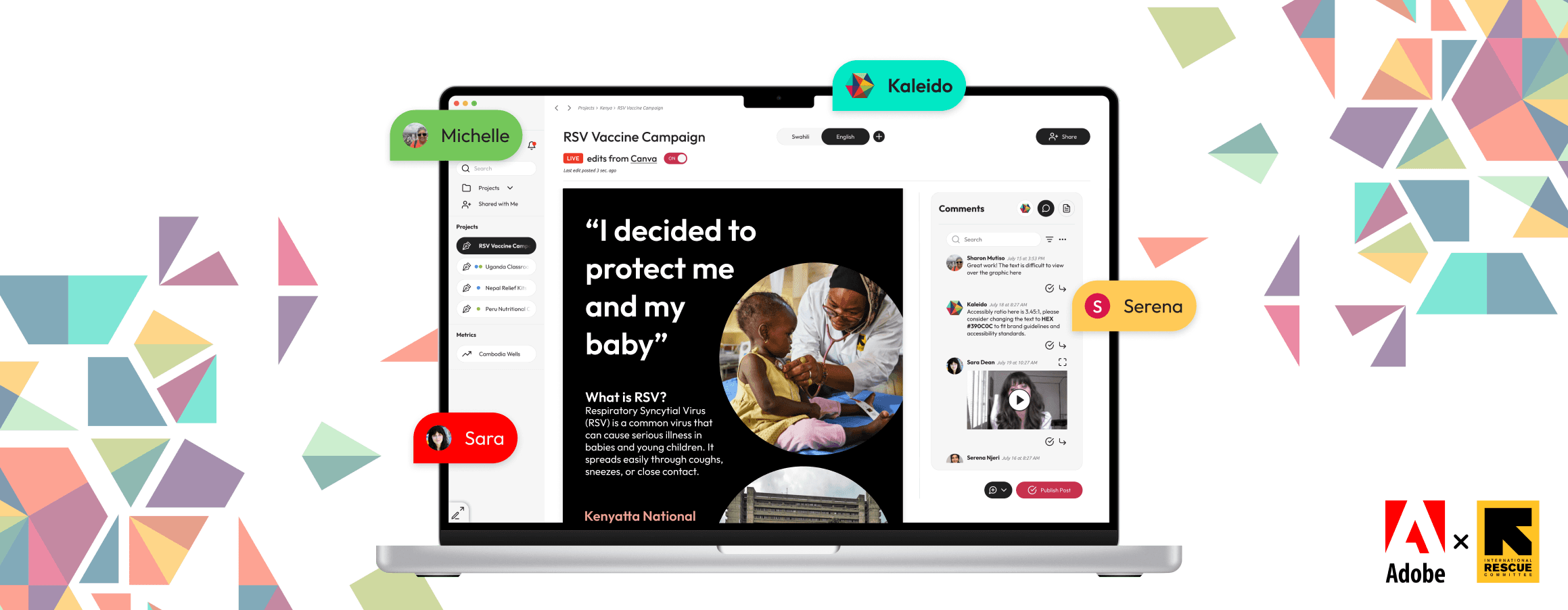
As designers work natively in their software of choice, stakeholders are able to view their progress through a window in Kaleido, providing them with the opportunity to comment and provide feedback to the team asynchronously.

Local Teams Focus on Review
Internal stakeholders' view focuses on commenting. Allowing to tag posts for level of urgency, as well as add attachments, or even upload video comments to get your point across.

Designers Focus on Feedback
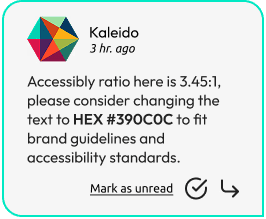
Designers, besides comments from stakeholders, would be able to opt into receiving technical feedback from Kaleido's AI, giving designers foundational feedback to improve their work.
Evaluate the Success of A Post
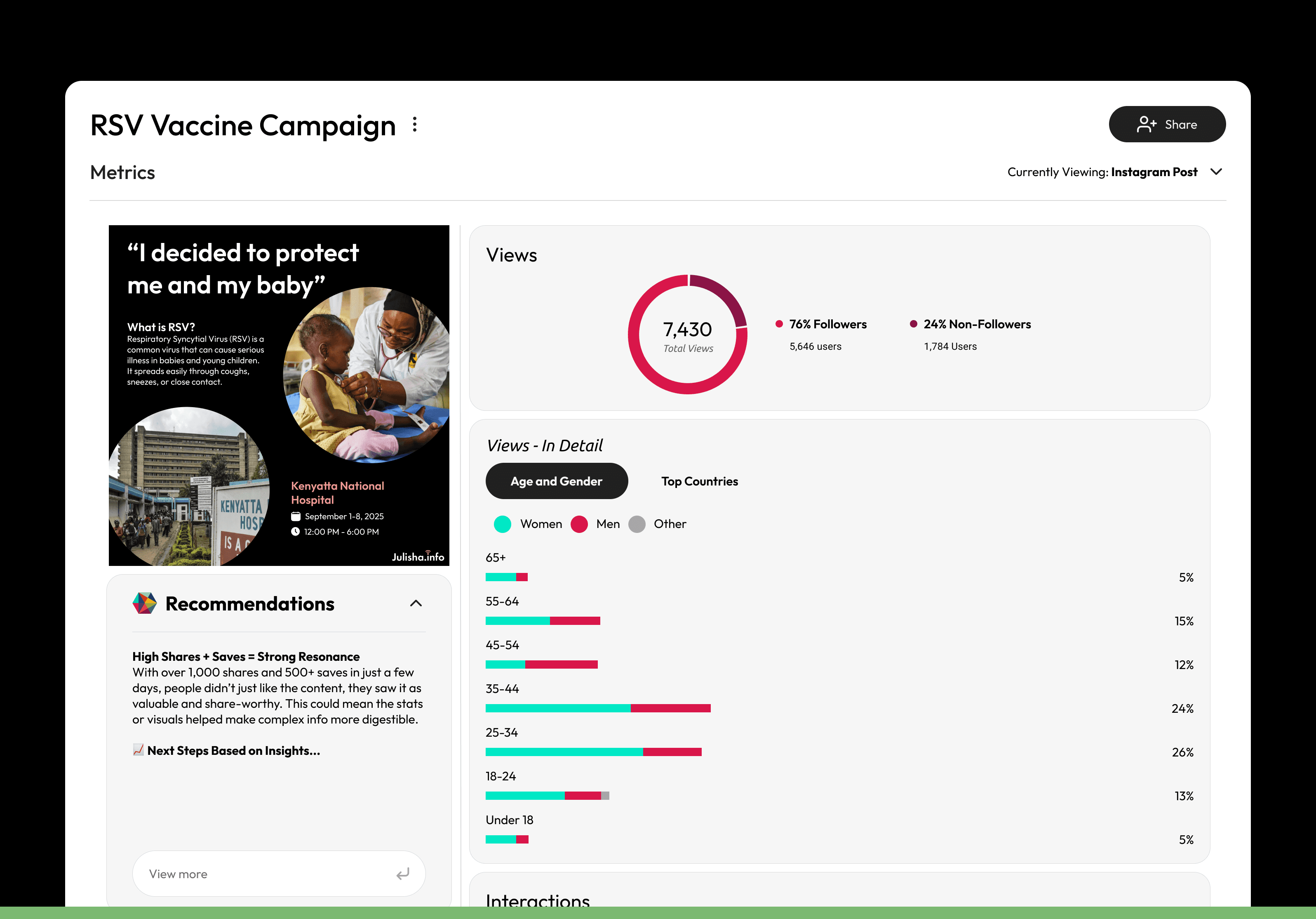
Once a post is complete, users can look into a posts analytics and see how the post performed. Kaleido provides a wide range of post metrics paired with AI-powered recommendations that consider real-world context like global events and regional trends.
Context
Who Is The IRC?
"The International Rescue Committee [is a humanitarian non-profit that] helps people affected by humanitarian crises to survive, recover and rebuild their lives."
-Brightfunds.org

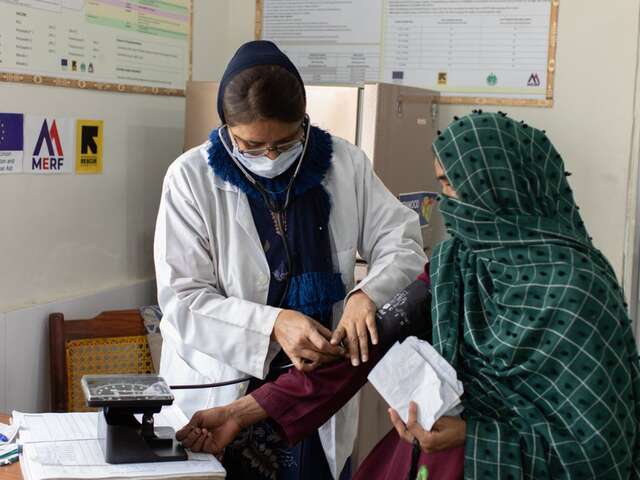

In 2024, the IRC reached 36.5 million people in countries affected by crisis
How Do They Reach Their Audience?
They use promoted social media posts and websites across the world.

What Is The IRC Facing?
Due to budget cuts, the IRC recently laid off thousands of workers around the world.


Our Idea:

What if AI could:
Educate
Junior designers to elevate their technical skills .
Empower
Small teams with limited resourcing to achieve their goals.
Connect
Various teams that are countries and time zones away.
And that's exactly what we set out to do.
Research
Identifying Unique Challenges in the Non-Profit World
To really understand how we could help designers in this space, we took to research the unique pain-points designers at NGO's might be facing with. That research took the form of 3 main initiatives:


An Obstacle I Quickly Identified:
Adobe wanted to integrate AI into NGO designers' workflows. We were told the core problem was limited access to visual assets, so the initial concept was an internal AI tool that could generate them on demand.
Early research reversed that assumption. Designers at the IRC told us the idea ran counter to their mission:

We asked designers to pick the original concept apart: where AI broke down in their workflow, and why. That critique became the foundation for a new direction: one that still met Adobe's goal of embedding AI into the process, but placed it somewhere it could add value without compromising the human authenticity central to IRC's work.
Our 3 Key Findings That Led Design Thinking
Human Oversight is a Non-Negotiable for NGO's
We aim to design with AI for collaboration, not automation.
“With a human in the loop, that would sort of validate an AI output before sending it to a client or a beneficiary.”
- Participant D from Gen. Research
Respect the Need for Human-Centered Visuals
Our tool must support, not replace, emotionally resonant, authentic visuals.
“I cannot use AI generated images as is because... It's ethically wrong...”
- Participant D from Gen. Research
Empower Local Voices in Creating Ethical Content
The design process must continue to value local expertise.
“A lot of it is informed by refugees of those specific crises or leaders within those communities... conscious of the boundaries that those specific cultures might have.”
- Participant B from Gen. Research
Ideation
The Main Obstacle Uncovered During Ideation:
Users Have No Issue Designing Content In the Tools They Use…


Designing a new tool would be ineffective and would have to compete with existing platforms that designers already love….
We worked with NGO designers to identify their current workflow and to find where AI could help.

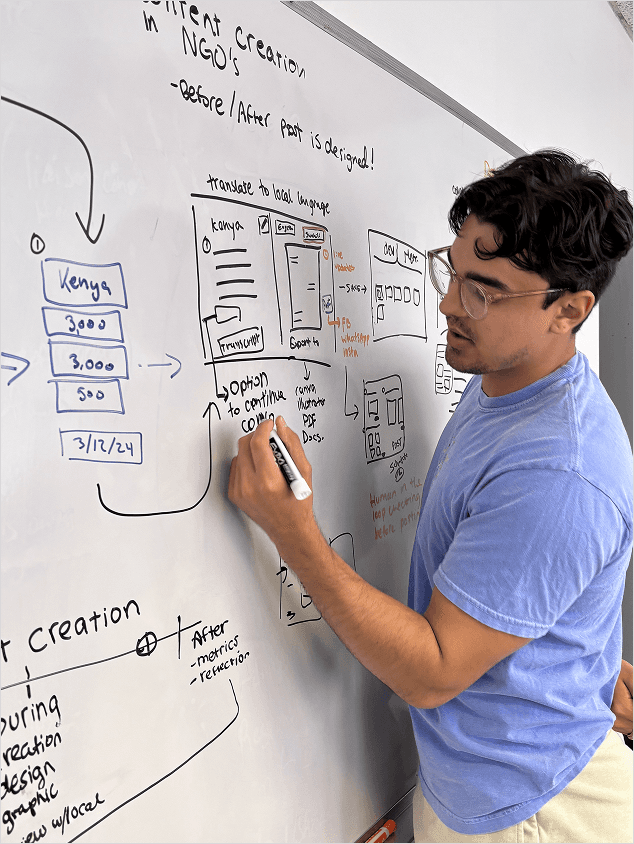


My Lovely teammates and I posing during our ideation session ;)
We thought:
What if our tool got designers designing faster by focusing on the before and after of content creation rather than during?
The Before

Compile essential information related to campaign
Format content for templates
The After

Setting publish dates for posting
Measuring impact of campaigns
Usability Testing
Simplifying Design for Users
We conducted usability tests with some designers previously interviewed for initial research to see how they interacted with the main flow and where design could be streamlined.
Our Key Takeaway:

During initial research, we understood from users that the humanitarian space was very sensitive, and so much of our designs became focused on making sure users had multiple checkpoints to achieve their goals. However, we quickly learned that due to the nature of the space, making the content creation faster was more sought after, due to the time sensitive nature of the work.
Specific Usability Changes Made
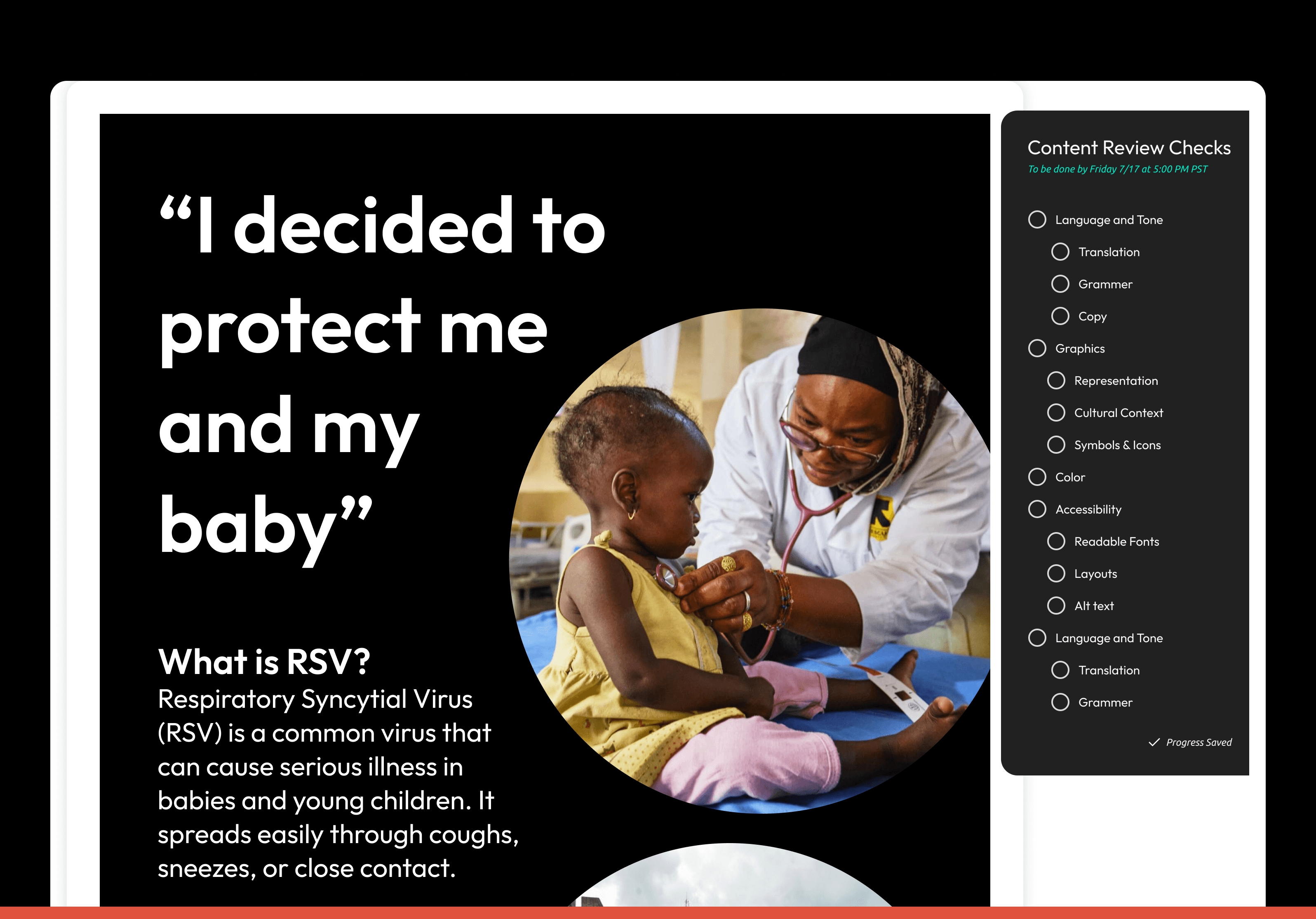
Before: Comments and Checks
Participants noted that multiple review steps can feel duplicative, suggesting streamlining by leaning on the commenting system for feedback and approvals.

After: Comments and Checks
New page placed more emphasis on commenting and internal collaboration to take care of any steps, as well as adding Kaleido comments that take comment on potential accessiblity and other technical issues
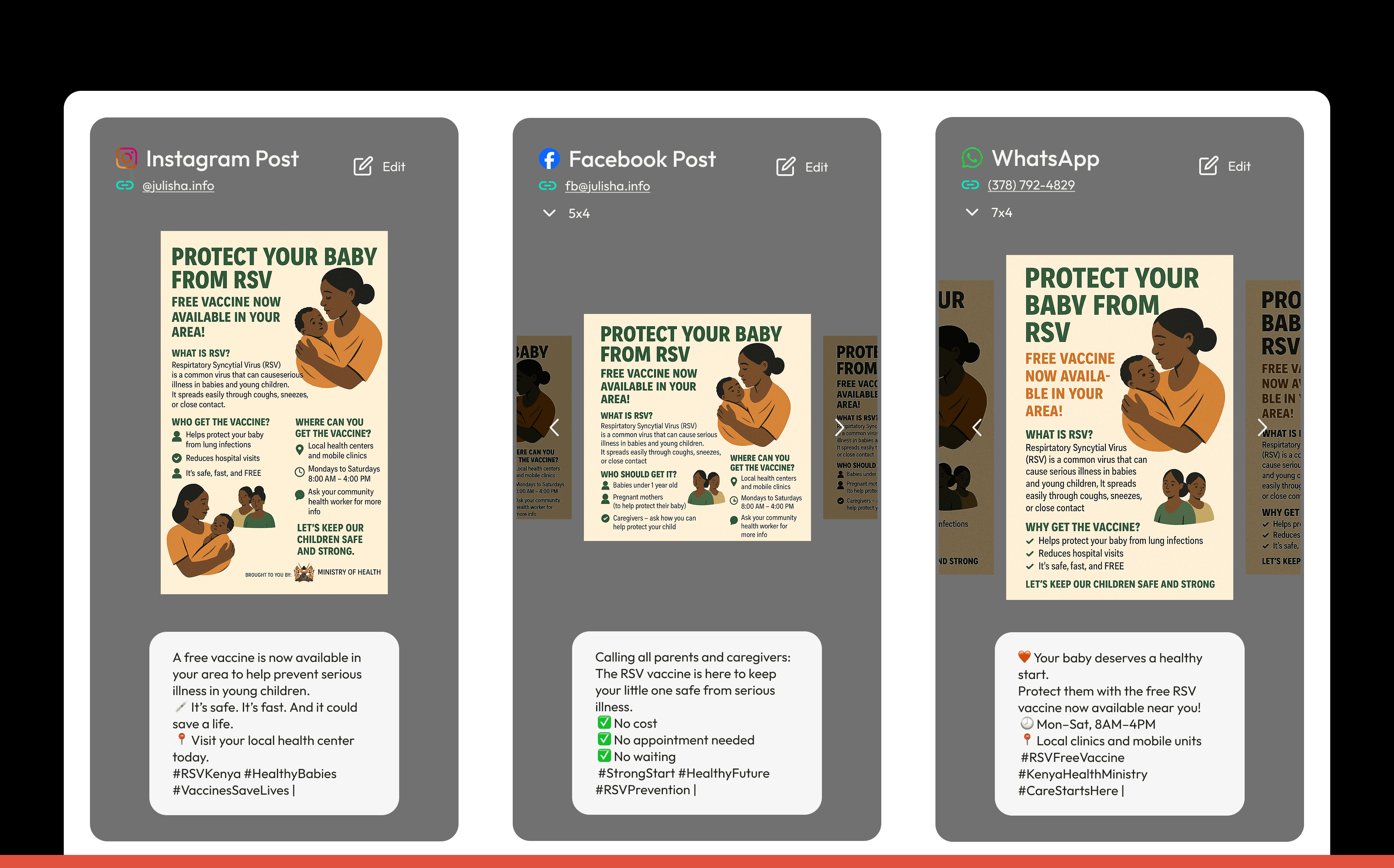
Before: Posting Page
Seeing all social posts aggregated at once—across every outlet—was overwhelming, signaling a need for more focused or customizable views.

After: Posting Page
Updated posting page focused on providing essential information to the user first, and tucking other features behind tabs to minimize clutter and visual strain.

Before: Metrics Page
Users emphasized prioritizing certain engagement signals and data in both individual and overview dashboards, with a call for clearer, more meaningful data visualizations.